


How to Check Voicemail From Your Phone

Nov 29, 2022
 196
196
Step 1. Press the Voicemail button.
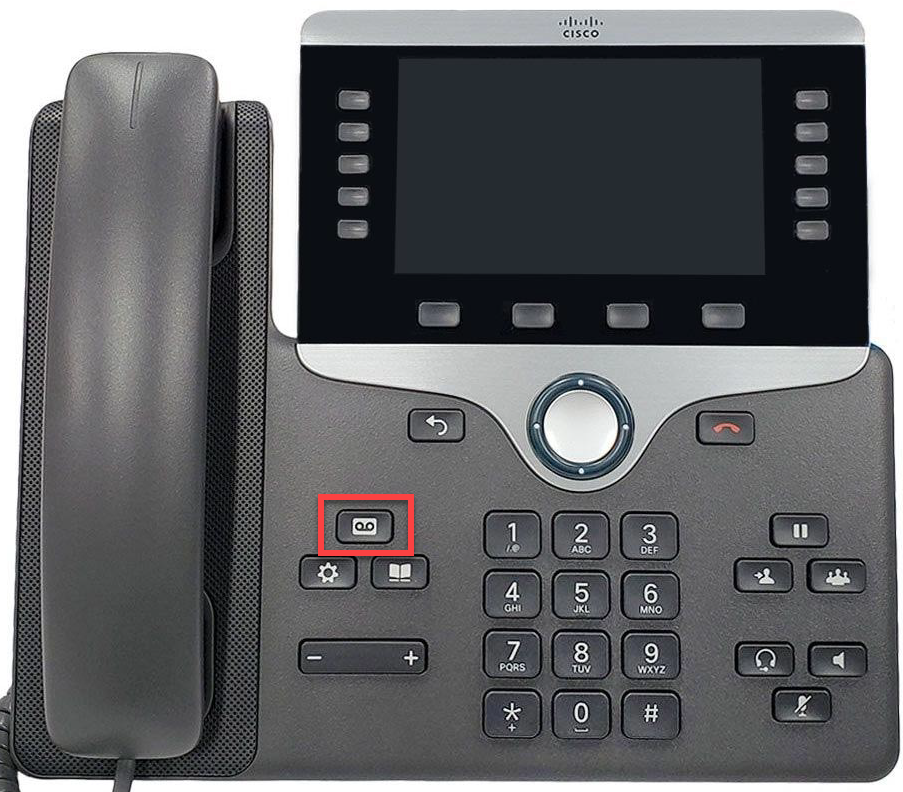
Step 2. To check the mailbox for a different number, press * then enter your mailbox ID (extension of voicemail box).
Step 3. Enter your passcode or the default passcode provided by IT. Email [email protected] to have your passcode reset.
Step 4. Press 1 to listen to your voicemails.

